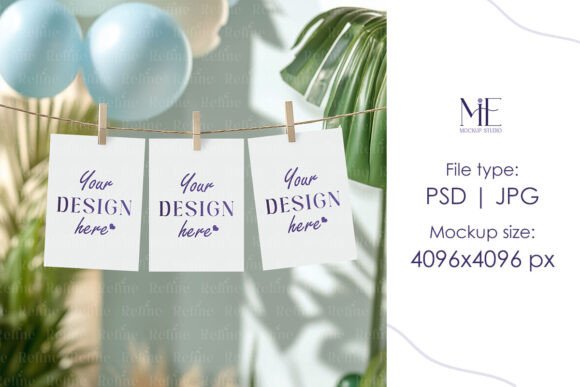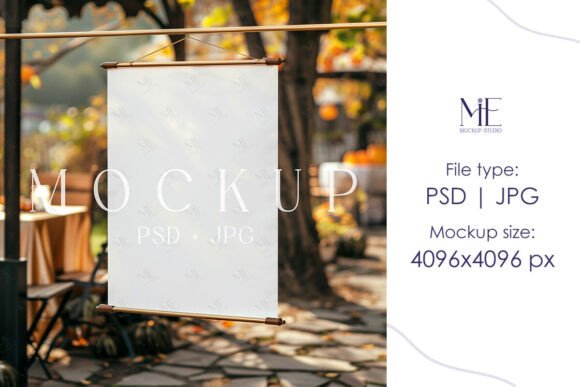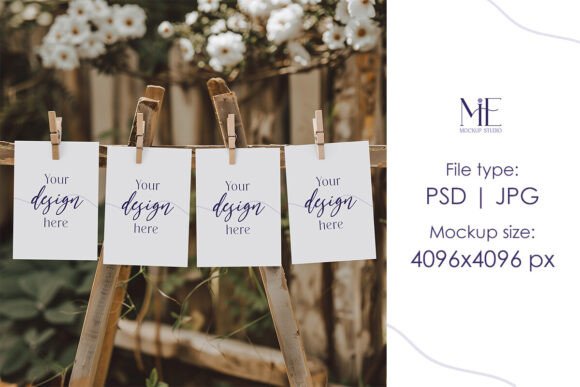
Monthly Photo Banner PSD Mockup, 4 Cards
When you're working on creative projects like invitations, greeting cards, or promotional materials, presenting your designs in a realistic and professional way can make all the difference. That’s where the Monthly Photo Banner PSD Mockup, 4 Cards comes into play. This digital template is designed to help you visualize your artwork as it would look when printed and displayed—without the need for expensive physical samples.
What Makes These Mockups Special?
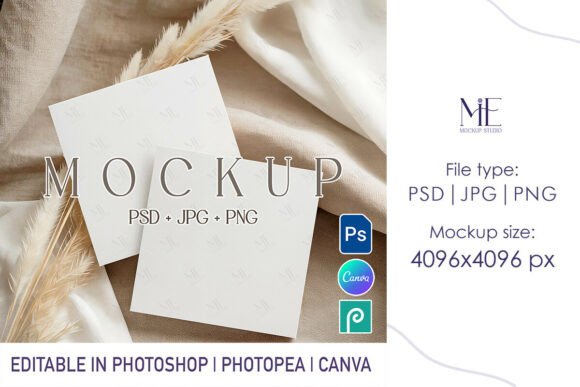
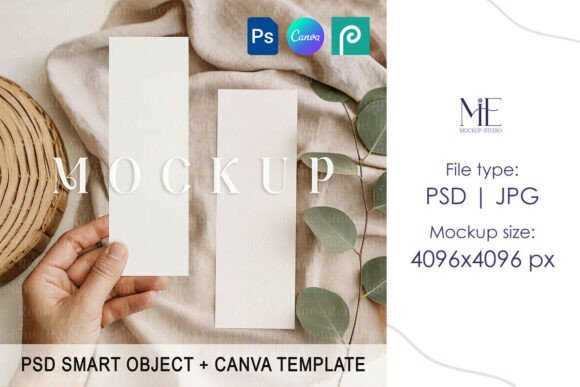
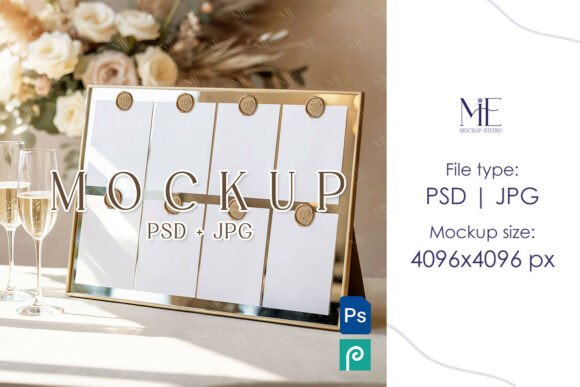
The Monthly Photo Banner PSD Mockup includes four beautifully crafted card mockups that are ideal for showcasing seasonal themes, special events, or even monthly promotions. Whether you're creating bohemian-style wedding invites or modern business cards, these mockups provide a clean and elegant backdrop to highlight your work.
Key Features You’ll Love
- Fully Editable Smart Objects: Insert your own design with ease by double-clicking on the Smart Object layer within Photoshop.
- High-Resolution JPG File: Comes with a 4096x4096 pixel image for top-notch quality, perfect for online presentations or print-ready formats.
- 5x7 Card Size: The dimensions of each card in the mockup match standard 5x7 inch greeting cards, making them suitable for a wide range of uses.
- No Watermarks or Text: The images are completely clean, so your designs take center stage without distractions.
- Instant Digital Download: No waiting for shipments. Once purchased, you can download and start using the mockup immediately.
Who Can Benefit from Using This Template?
This mockup isn’t just for seasoned designers—it's also a great tool for beginners and casual users. Small business owners, bloggers, marketers, and educators will find it incredibly useful for promoting their content or services. Entrepreneurs preparing product packaging or stationery, and freelancers wanting to display their portfolio, can leverage this resource to present their work professionally and attractively.
Real-Life Applications
Imagine you’re designing a set of Boho Invitation Mockups for a friend’s wedding. With the Monthly Photo Banner PSD Mockup, 4 Cards, you can quickly show how your designs will appear when printed and arranged together. Similarly, if you're putting together a Modern Four Invite Cards Mock up PSD for a birthday party or corporate event, this template helps you create a cohesive look across multiple designs.
Photographers and lifestyle bloggers might use the Monthly Photo Banner feature to display a series of photos tied to a specific theme or month. It’s an excellent way to add visual storytelling elements to your website or social media posts.
How to Use the Mockup Like a Pro
Using the Monthly Photo Banner PSD Mockup, 4 Cards is straightforward, especially if you're already familiar with Adobe Photoshop. After downloading the file, open the PSD document and locate the Smart Object layers. Double-click to edit, insert your design, and save when prompted. Your artwork will blend seamlessly into the mockup, giving you a polished result instantly.
- Purchase the template and complete checkout.
- Download the files right away—no shipping needed.
- Open the PSD in Photoshop and access the Smart Object layers.
- Edit and replace the placeholder with your design.
- Save the final image and use it for presentations, portfolios, or marketing.
Beginner Tips for Getting Started
If you're new to working with PSD mockups, don’t worry! Start by experimenting with simple designs before moving on to more complex ones. Try placing different colors, patterns, or text styles into the Four Cards Mockup 5x7 to see how they interact with the background. You can also adjust lighting and shadows slightly to enhance realism—Photoshop makes it easy to tweak these settings without altering the core structure of the mockup.
Why Choose This Over Other Options?
Compared to other mockup templates, the Monthly Photo Banner PSD Mockup, 4 Cards stands out because of its versatility and attention to detail. The realistic textures and lighting effects give your designs a lifelike appearance, while the Smart Object technology ensures everything stays organized and editable. Whether you're working on a single project or planning ahead for multiple months, this mockup adapts well to different needs.
Things to Keep in Mind Before Buying
Before you choose this mockup, consider the following:
- Do you have access to Adobe Photoshop? If not, you may need to invest in a trial version or learn the basics of editing Smart Objects.
- Are you comfortable customizing digital assets? While the process is user-friendly, having some basic design knowledge can be helpful.
- Will your intended use require high-resolution output? The included JPG file at 4096x4096 is excellent for most purposes, but ensure it fits your platform requirements.
Putting It All Together
Whether you're crafting Greeting Card Mockups for a client or personal gifts for loved ones, the Monthly Photo Banner PSD Mockup, 4 Cards offers a streamlined way to bring your ideas to life. Its flexibility allows you to tailor the design to fit various occasions—from casual get-togethers to formal events.
Professionals often use this kind of mockup during client pitches to demonstrate how a design will look once produced. Educators can use it to teach students about layout, branding, and presentation techniques. Even hobbyists who enjoy DIY projects can benefit from the realistic preview it provides before printing anything out.
Final Thoughts
The Monthly Photo Banner PSD Mockup, 4 Cards is more than just a template—it's a powerful tool for creativity and communication. By offering both a detailed Photoshop file and a ready-to-use JPG, it supports a wide variety of workflows and outputs. From showcasing your latest greeting card design to building a brand identity through consistent visuals, this mockup gives you the edge you need to impress your audience and streamline your creative process.